

 Apple Podcasts
 Spotify
 iHeartRadio
 Amazon Music
 Decluttering Your Phone: Tidy Screens, Calm Brain
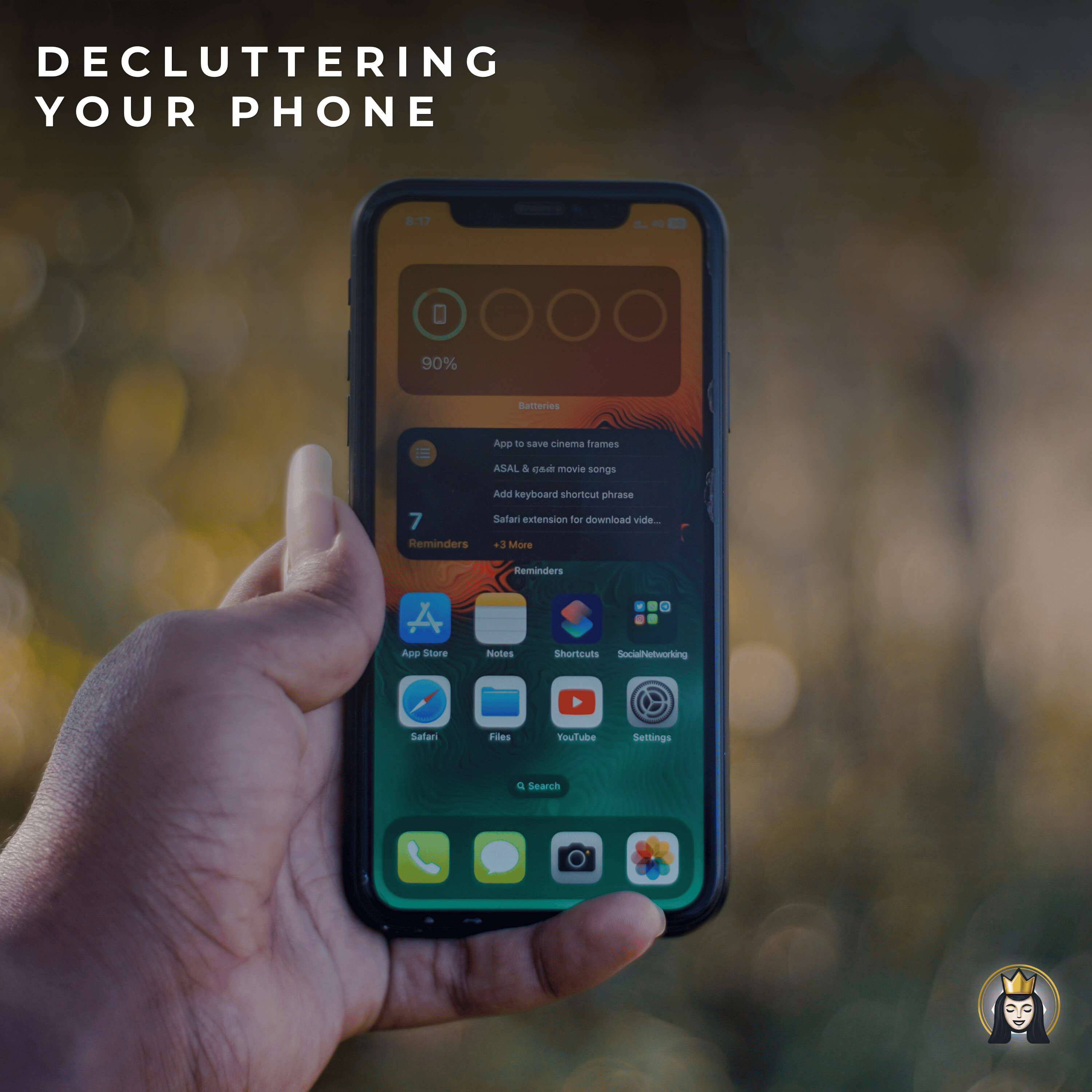
I’m diving into one of the most surprisingly satisfying declutter zones: your smartphone. Instead of fantasizing about throwing it into a lake, I’ll show you how to clear the quiet digital chaos that’s stealing your time, focus, and peace of mind.
I walk you through how our phones turn into portable clutter machines—crammed with unused apps, unread notifications, chaotic photo galleries, and emotional clutter from social media and endless scrolling. Then I guide you step by step: first deleting apps you haven’t touched in 60 days, then organizing what’s left into simple folders, moving your essential daily apps front and center, and pushing the most distracting ones out of sight.
I also help you tackle notifications, photos, messages, notes, and email. You’ll hear how to turn off non-essential alerts, use Do Not Disturb, clear out duplicate and blurry photos, tidy up old message threads and notes, and quickly unsubscribe from promotional emails that clog your inbox.
Finally, I share easy habits to keep your phone clutter-free—like a monthly 10–15 minute reset, a “one in, one out” rule for apps, and building in screen-free time. Start small, take one simple action, and let the momentum build.
Do you need a more personalized decluttering touch? Avery offers a one on one consultation where you can go over your specific decluttering needs and start the road to a happier clutter free life. Contact the declutter Queen at avery@averycundill.com
Want FREE Declutter Hacks? Sign up here.
Avery Cundill 0:00
I am so excited about today's episode because we are diving into an interesting declutter zone. When I first say it, you may groan, as most people do, but I'm telling you, it's one of the most satisfying declutters. I'm talking about your foot, the
Mary Anne Ivison 0:19
Declutter Queen with Avery Cundill.
Avery Cundill 0:24
Today we're decluttering that smartphone, that Apple phone, that Android phone, not by tossing it into the ocean or lake, tempting as that may be, but by clearing all of the digital backup that's stealing your time, attention, and energy. So, truth be told, I've spent a little bit of time with my parents this summer, which is always technologically interesting. And I do want to say that I've never seen such cluttered phones, Mom. If you're listening to this, I love you, but your phones, passwords, three entries on contacts. Well, I'm not going to get into it because personal. But phones need decluttering. So, if your phone is packed with unread notifications, unused apps, chaotic photo galleries, endless scrolling loops. Does that sound familiar? This episode is your reset button. Let's simplify your screen and your brain. And I cannot tell you, as I'm sitting here right now, I'm fully aware that my iPhone is completely cluttered, and my little attempts at deleting duplicate photos and whatever else I have on there, I gotta do better. Section one: Why declutter your phone? Our phones are incredible tools. Not to get into the problem that we're on them too much and all that, which is for another day. But they're really useful, but they can also be portable clutter machines. Every time we unlock our phones, we can face visual clutter. So that could be from too many apps, unread emails, mental clutter from nonstop notifications that we haven't dealt with yet, emotional clutter. So this can come from social media, text messages, digital shoulds. So and there's many, many more. This is just a small sampling of what can happen on our phones. But the truth of the matter is, when we declutter our phones, we're going to have more focus, less anxiety, more time for real life, and even better sleep. So let's get into how to do this without deleting everything and everyone or going off the grid. We're going to do it practically. Section two: Step by step phone decluttering. Okay, so you know how I like my breakdowns, and this is no different. We're going to break this down into four easy zones. Okay. Step one: Delete what you don't use. Okay. What do I mean? So let's look at apps for a minute. If you have a bunch of apps on your phone that you are not using, guess what? You can delete them. I recently did this, and there are some apps I haven't touched. Maybe I downloaded them by mistake. Who knows? But they are taking up space on my main screens. So, if you haven't opened that app in the last 60 days, let it go. But not only apps. How about that random photo that you haven't looked at? Don't need get that gone. Games you've downloaded just to try. Bye bye, and anything else. This is kind of the quick and easy step. If you haven't used it in two months, delete. Step two. Let's organize what's left. So you may want to create folders so that you can keep the apps within a folder. Let's say you've got a social folder for Instagram, TikTok, Reels, what have you. Put it in one folder. Move essential daily apps, so the ones you are constantly clicking on, whatever that is for you. Maybe it's your bank app, maybe it's Netflix. I don't know. Could be something else. But move those so that they're front and center on your phone, you're not scrolling, you're not moving other apps to get there. They're easily available for you. You may want to hide or move distracting apps to a second screen or folder. Now, I just mentioned social media apps. I've heard from a lot of people. How sticky and tricky these can be! Facebook, Instagram, TikTok-all of these can be time sucks. They could be quick and easy thrills for us if we're waiting, so we just click on. But they're not always necessarily helpful to our mental status. So you may want to even remove Facebook from your page. Got it somewhere else. Maybe you don't need it on your phone. Keep what you need, and think about mental health too. Think about how maybe if it's not on my phone, I'm not going to reach for it. Okay, let's move on to the notification part. Turn off non-essential alerts.
Avery Cundill 5:42
Now, I'm not a techie person, but I do ask friends and family for help on this. Delete non-essential notifications such as shopping apps, news alerts, games, social media badges. All of these can be highly distracting, so you may want to turn those off. In addition, while you're doing that, if you're like me and you've programmed in 30 to 40 alarms for trips from the past, get rid of those. You do not need to wake up at five a.m. every Wednesday now. That is over. They don't need to follow you in, even if they're turned off psychologically. Streamline, get rid of. Back to notifications. Keep only what serves you. Maybe you want to know when you get a text message, and that's perfectly okay. Maybe you don't. Maybe that is an end of night or end of day activity for you, but if you want to keep your notifications for text messages, great. Do bank alerts or are bank alerts helpful to you? Maybe keep those. Maybe not. Instagram notifications. I personally hate these, but if they're really really important to you, then keep them. Bonus tip alert: Do not disturb is an amazing thing to put onto your phone. I'm telling you, it's silent until you want it to be voiced, and I would really recommend that. Let's move on to photos and videos. Yep, I'm gonna say it. Your phone is not a photo album. It's a holding zone. Right now, it's probably overloaded. This is gonna take a couple of steps. First step: delete duplicates, blurry shots, as well as random screenshots. And if you're like me, I screenshot a lot the recipe from TikTok, the picture of a broken blind that I need to get fixed. Delete the ones you don't need anymore. Use the recently deleted and favorites feature to manage this in chunks. Just giving you a little tip there that I've uncovered. Get rid of them and then move the trash. Delete the trash. You need to get everything. It's like thinking about cleaning out a drawer in your kitchen, throwing it in the trash receptacle in your kitchen, and then leaving the trash in your kitchen for many weeks. Take that bag, throw it in the garbage until it's out of your house. It's not deleted. Same thing as your phone. It's still sitting there until you empty the trash. The stuff that you want to save and could be a lot, could be a little. You might want to create albums within your phone. You can sort by trips, people, themes. Maybe you make a 2025 highlights folder for your favorite moments as you go. But I would suggest at some point, still thinking of your phone as a holding zone, you may want to get some actual albums printed up. I'm not sponsored, but maybe Shutterfly, something that you'd like to use. Use something that's going to help you save the photos, not on their phone, not that they're taking up space. Another thing you may want to look into, and I haven't, so I I can't personally recommend it, but you may want to use a photo cleaning app, five minutes a day to avoid overwhelm. Did you know you can silence your phone by location? Whenever I walk into the yoga center in Winnipeg, my iPhone understands where I am and silence instantly. Okay, for those who are not so techy, look this up. Let's move to messages, notes, and emails. Stating the obvious, clean up your. Messages, delete old conversations that you don't need anymore. Archive or pin important threads if you think you need to keep them. But I will tell you that they're taking up space on your phone. If you have a friend who sends you videos on every single trip they go on, that is hogging your memory, taking up your iCloud space. You don't even know it because it's probably months down the road. So think of deleting and starting fresh. You're not deleting your friends. You're just deleting that conversation. Let's move to notes. You may want to combine duplicates. So I know that I have a lot of duplicate notes just because you start a note and then you start it again, look through that. Delete duplicates. And another thing is very important to do is delete outdated lists.
Avery Cundill 10:50
So I make my grocery shopping lists on my notes and then I just leave them there. That grocery list is finished unless I'm going to do the same shop every week. Delete that. You may even want to add titles to notes that are untitled, and this makes it much easier to find what you need. And turning back to that visit with my mother, there's a lot of people who just can't find their stuff, their error plan point numbers, their passcodes. Notes might be a good temporary place to put this, but in truth, you might want to make a contact. You might want to make a little bit better of a place to put it because notes can be jumbly. Moving to your email inbox. Unsubscribe from five things right now, right after you listen to this podcast, go into your emails and see how many companies you are getting emails from. And you may have signed up for a 10% discount. You may have signed up not even knowing you can unsubscribe, you know how every day you open up your email box and you have 12 to 20 emails from corporate. Get rid of those. You know you're not going to need those. I promise you, and they are clogging your email box. So let's get rid of five. If you want to do six, they won't stop you. Another thing to do is start deleting promotional emails in bulk. So now you're thinking, "Oh, I've got so many. Just delete them. Delete, delete, delete, delete, delete. Delete is a great button. And then remember, go to your trash and empty your trash. Think of that analogy I gave you. You still have garbage in your kitchen, it's not gone till you throw it out. Another thing you can do is to flag or tag emails that you want to keep. That's important. That maybe has warranty information or some other information that you really need. So when you use that little yellow tag button, I know on the Apple iPhones if you have a different thing, but then you can find them easily. Trust me. After you go through these steps, your digital brain will thank you. How to stay decluttered? You've done the cleanup. You've deleted a bunch of stuff. Now, how do we keep it this way? Because emails and messages are just like phone calls; they're just going to keep on coming. What I like to do is to set a monthly phone cleanout reminder. Just monthly; you don't have to do this every day. Set a 10 to 15 minutes time period, sometime during the month, and clean out your phone. If you do this monthly, you're not going to have the clutter that you had to start with. Done. Another thing that's a good idea is to adopt a one in one out rule for apps. So if you download a new one, delete one. Build in screen free time, and this is really important and kind of off topic, but important. Start with 10 minutes a day, or try a no phone morning once a week. Another way to help you declutter when it comes to your phone is to not be on it all the time. So I want you to remember. Now I know you're all chomping at the bit to go and clean your phones. So I'm going to let you go, but I want you to remember your phone should work for you, and it shouldn't be pulling you in 24/7. When you declutter it, you're not just freeing up space; you're reclaiming your attention, your peace of mind, and your time. Remember. When you have to go through notes and messages and emails and phones, the more you have on your phone, your time wasting and your time is valuable. So doing these declutters actually helps you be more productive. Start small, clear one folder, mute one notification, delete one app, and just like decluttering your home, I promise you momentum will build.
Mary Anne Ivison 15:29
Thanks for listening to the Declutter Queen with Avery Cundill. For more decluttering tips and tricks, go to thedeclutterqueen.ca. Produced and distributed by the Sound Off Media Company.
